
Photo and Expectation Failures: Fixing the Root Cause, Not the Crop

Updated: Aug 27
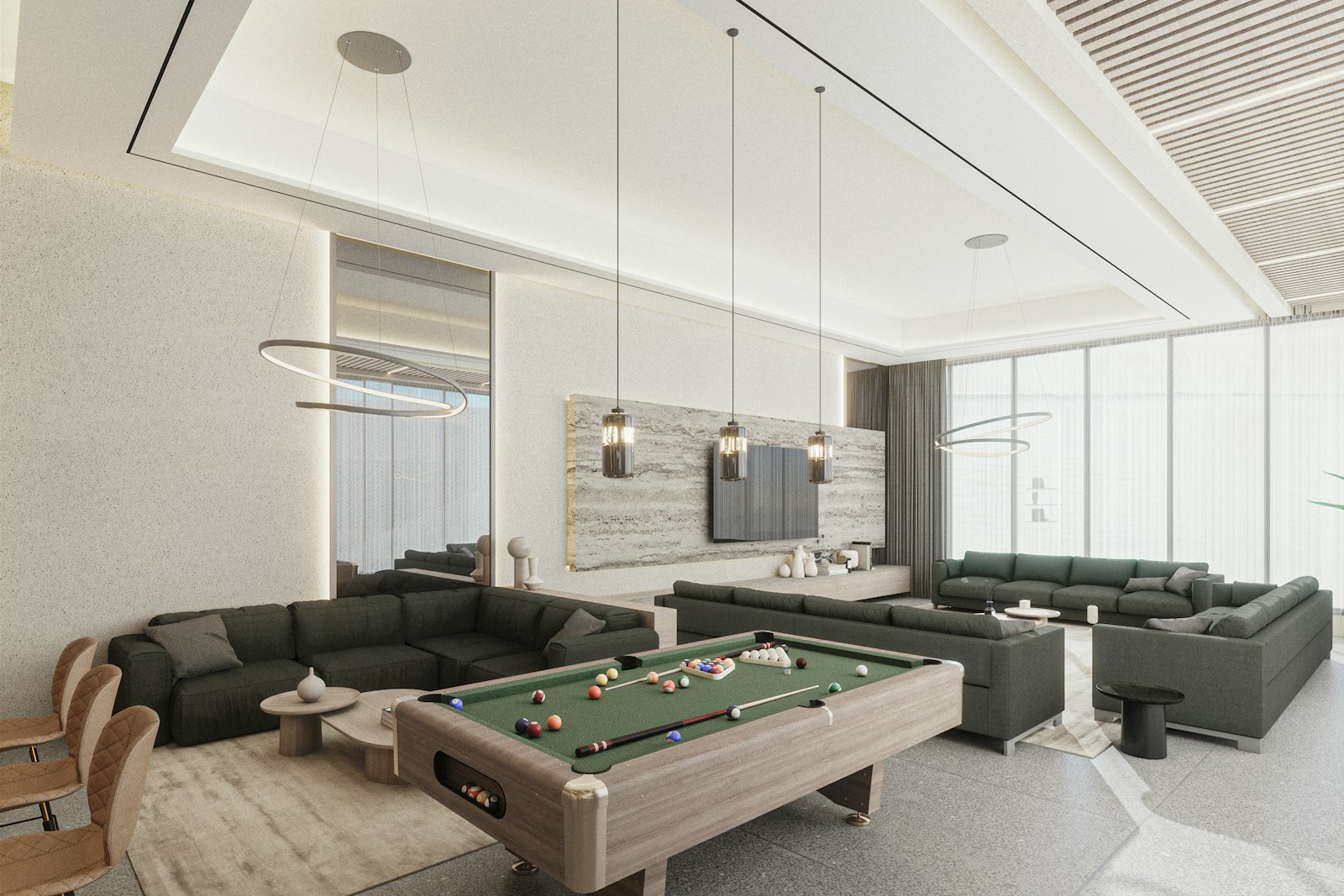
When a guest complains that a listing's photos didn't match what they found, the instinctive host response is usually to fix the photo itself: recrop it, brighten it, try a different angle of the same room. That instinct is often wrong, because the actual problem usually isn't the photo's quality, it's that the photo shows something that no longer exists, a kitchen island that's now storage, a porch that's since been closed, a table that isn't there anymore.
This distinction matters because it changes what actually fixes the problem. Ten different crops and angles of the same outdated kitchen island don't address the underlying issue, because the search-result thumbnail, the first photo guests see before they even open the listing, is still showing a room the house doesn't actually have anymore. A prettier version of an inaccurate photo is still an inaccurate photo.
This is a guide to identifying when a photo complaint is really a root-cause problem, distinct from ordinary photo quality issues, and to fixing it directly: taking down or replacing the specific image that no longer represents the property, rather than layering successive edits on top of an image that's fundamentally wrong. This is not legal advice.
A Photo Complaint Is Often an Accuracy Problem, Not a Quality Problem
There's an important distinction between a photo that's poorly lit or badly composed and a photo that simply shows something that isn't true anymore. A dim living room photo is a quality problem, fixable with better lighting or a different angle. A kitchen island photo when the island has since been converted to storage is an accuracy problem, and no amount of recropping fixes it, because the room itself has changed.
The search-result thumbnail, the first photo a guest sees before clicking into the listing, carries the most weight here. If that thumbnail shows a porch that's since been closed off, or an island that's gone, guests are forming an expectation before they even open the full listing. Every subsequent photo, every word in the description, gets read against that first, inaccurate impression.
The about-section text and the messaging thread often compound the same problem. If the about section still describes the kitchen island, and a guest asks about it directly in a pre-booking message, the host is now reinforcing an inaccurate expectation across three separate touchpoints: the photo, the text description, and the conversation, rather than correcting it anywhere.
What Actually Needs to Change
The direct fix is straightforward, though it can feel more drastic than a simple recrop: take down the specific photo that no longer represents the property, and either replace it with an accurate current photo or, if no accurate photo exists yet, remove it until one does. This is a deliberately narrow fix, targeting the one specific image causing the mismatch, not a full listing overhaul.
Alongside the photo change, check whether the about section or house rules repeat the same outdated claim in text form. If the about section still names the kitchen island, that sentence needs the same correction as the photo. If a since-closed porch was previously used to justify a late-checkout policy or an evening-sit feature, that policy language needs updating too.
It's worth resisting the urge to make additional, unrelated changes at the same time, a new title, a full about-section rewrite, a new host profile photo. Making one focused correction lets you actually evaluate whether it resolved the specific guest confusion. Layering multiple changes together makes it impossible to tell which one, if any, actually helped.
Common Mistakes in Responding to Photo Complaints
The most common mistake is treating a room-accuracy problem as if it were a lighting problem: recropping, adjusting brightness, or trying new angles of the same outdated room repeatedly, while the search thumbnail itself never changes. Ten variations of a photo showing a room that no longer exists is still ten photos of a lie.
A related mistake is commissioning an entirely new photo shoot before addressing the specific inaccurate image. A full professional reshoot is a legitimate project when a property has genuinely changed and needs updated photography throughout, but it's a separate undertaking from the immediate fix of removing or replacing one specific inaccurate image that's actively causing guest complaints right now.
A third mistake is cropping a photo in a way that conceals the missing feature rather than honestly replacing it, for example, reframing a dining room shot to start at the sink so a missing table isn't visible. Guests who already saw the original wide shot before booking still arrive expecting that table. This kind of concealment doesn't resolve the underlying mismatch; it just makes it less visible in the photo while leaving the actual expectation gap intact.
A fourth mistake is making the photo edit alongside several other unrelated listing changes in the same sitting, a title rewrite, an about-section overhaul, a new profile photo, all at once. That bundling makes it impossible to isolate what specifically improved guest experience going forward.
A Worked Example
Consider a three-bedroom listing where the host kept an old kitchen photo as the primary search thumbnail because it had historically attracted strong booking interest. The kitchen island shown in that photo has since become storage space, and a porch rail issue means the porch, also featured in a secondary photo, is currently closed to guests.
Rather than replacing the thumbnail, the host spent two afternoons recropping the same outdated kitchen photo, brightening the living room shot, and swapping six secondary images, while leaving the primary search thumbnail untouched. The about section still described the island. The messaging thread, after the first guest complaint, began promising future photo updates rather than addressing the current listing.
The following month, inquiries continued asking whether the island was really there, and reviews continued describing a mismatch between the photographed kitchen and the actual space. Ten recrops hadn't fixed anything, because the one photo actually causing the problem, the primary search thumbnail, was never replaced. What this listing needed was a single change: swap that one thumbnail for an accurate current photo of the kitchen or living room, and update the about-section sentence describing the island.
When a Full Photo Refresh Is the Right Call Instead
There's a legitimate, separate use case for commissioning a full new photo shoot: when a property has undergone substantial renovation or changes across multiple rooms, and the existing photo set as a whole is outdated, not just one specific problem image. That's a planned photography project with its own scope, timeline, and shot list.
The distinction that matters is urgency and scope. A guest actively complaining about one specific inaccurate photo right now needs that specific photo addressed immediately, even if it's just removing it temporarily. A broader photography refresh can be planned and scheduled without blocking the immediate fix.
If a listing only has one current, accurate photo of a recently renovated kitchen, publishing that single accurate photo as the primary thumbnail is a better interim step than continuing to display an outdated, if better-composed, photo of a room that no longer exists. An honest, less polished photo beats a polished, inaccurate one.
A 30- and 90-Day Check
At the thirty-day mark, you should be able to identify the specific photo you changed, along with a record of what the old and new versions showed. If you made ten separate crop adjustments to the same outdated image and never actually replaced the search thumbnail, the underlying problem is still unresolved regardless of how much editing activity occurred.
The real measure of success isn't how many photos were touched, it's whether the specific guest questions or review complaints about the mismatched room have actually stopped. If inquiries are still asking about the same feature that prompted the original complaint, the fix either targeted the wrong photo or the correction wasn't thorough enough.
At ninety days, confirm the corrected photo is still accurate and still in place. If the property has changed again since the correction, that's worth another dated update, logged the same way as the original fix, rather than left to drift back into the same kind of mismatch that caused the original complaint.
Related Reading
More independent-host crisis and reputation-recovery reading already live on Crest & Cove.
Frequently Asked Questions
Should I recrop a photo that guests say doesn't match my listing?
First determine whether the issue is photo quality, lighting or angle, or accuracy, the room shown no longer exists or has changed. If it's an accuracy problem, recropping won't help. Replace or remove the specific inaccurate photo instead.
Why doesn't brightening or reangling a photo fix a guest complaint about a room?
Because the underlying issue often isn't how the photo looks, it's that the room in the photo doesn't match the current property. A better-lit photo of an outdated kitchen island is still a photo of a room that isn't there anymore.
What's the single most important photo to check after a complaint?
The primary search-result thumbnail, since it's the first image guests see and forms their expectation before they even open the full listing. If that specific image is inaccurate, fixing secondary photos won't resolve the core mismatch.
Should I commission a whole new photo shoot after one guest complaint?
Not necessarily right away. A full reshoot is appropriate when multiple rooms have changed and the entire photo set is outdated. For one specific inaccurate photo, removing or replacing just that image is the faster, more targeted fix.
Is it okay to crop a photo to hide a missing feature, like a table that's gone?
No. Reframing a shot to conceal a missing feature still leaves guests who saw the original photo expecting that feature. It's better to replace the photo entirely with an honest current image, even if less polished.
Should I update my about-section text at the same time as the photo?
Yes, if the about section repeats the same inaccurate claim as the photo, like naming a kitchen island that's now gone. Update both together, since they're both part of the same accuracy problem, but avoid making unrelated changes to the rest of the listing at the same time.
How do I know if a photo fix actually worked?
Check whether the specific guest questions or review complaints tied to the original mismatch have declined over the following weeks, not just whether you made changes. If inquiries still ask about the same feature, the fix may have targeted the wrong image.
What if I only have one accurate photo of a renovated room?
Publish that one accurate photo as the primary image rather than continuing to show an outdated but better-composed photo. An honest, less polished image is preferable to a polished but inaccurate one while you plan a fuller photo update.
Should I make several listing changes at once after a photo complaint?
No. Bundling a photo fix with a title rewrite, about-section overhaul, and profile photo change in the same sitting makes it impossible to tell which change, if any, actually resolved the guest confusion. Make the specific photo correction alone first.
How long should I wait before evaluating whether a photo fix worked?
Give it at least thirty days, then check again at ninety days to confirm the corrected photo is still accurate and still in place. Watch specifically for whether the guest questions tied to the original complaint have actually stopped.
Work with Crest & Cove Creative
Hosts often respond to a photo complaint by recropping the same outdated image ten different ways while the actual problem, a room that no longer exists, stays untouched. Ten crops of a lie is still a lie.
We help hosts identify which specific photo is actually causing guest confusion and fix it directly, without triggering an unnecessary full reshoot. Reach out at crestcove.co or (256) 998-7502. Send the live listing draft and the facts you can actually cite.
Reach out at crestcove.co or (256) 998-7502.


Comments